
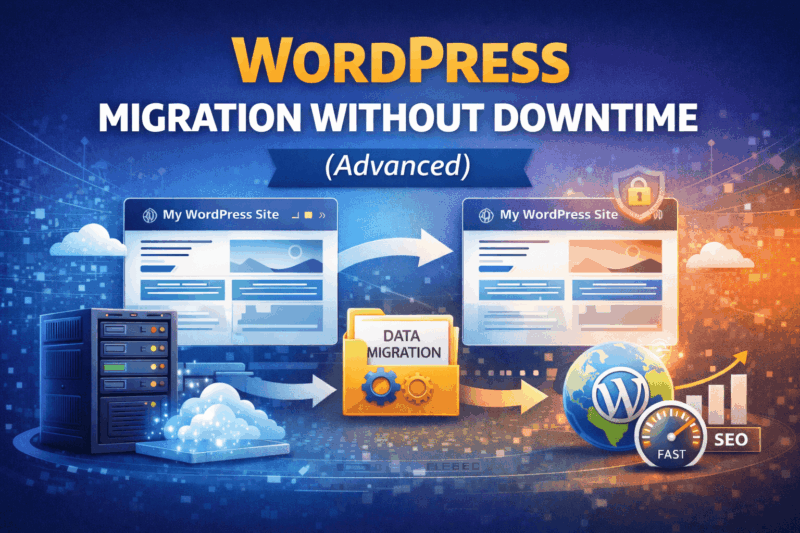
Introduction: Why Zero-Downtime WordPress Migration Matters
WordPress powers a significant percentage of business websites worldwide. For many companies, their WordPress site is not just a marketing asset—it is a revenue engine, lead generator, and brand authority.
Downtime during migration can result in:
- Lost leads and sales
- SEO ranking drops
- Broken customer trust
- Failed form submissions
- Email delivery issues
A zero-downtime WordPress migration ensures that:
- Visitors never see errors
- Search engines never lose access
- Business operations continue uninterrupted
This advanced guide walks you through professional-grade WordPress migration techniques used by experienced DevOps and WordPress engineers.
What Causes Downtime During WordPress Migration?
Understanding downtime sources is essential before preventing them.
Common Downtime Triggers
- DNS propagation delays
- Incorrect database connections
- Missing wp-config.php values
- Plugin conflicts
- PHP version mismatch
- Incomplete file sync
- Premature shutdown of old server
Zero downtime is achieved by controlling these variables, not by luck.
Core Principles of Zero-Downtime Migration
Before touching tools or servers, internalize these principles:
- Never migrate on production DNS
- Always use a staging environment
- Old server stays live until final confirmation
- Final database sync happens just before DNS switch
- Rollback plan must exist
If any of these are missing, downtime risk increases.
Migration Architecture (How Professionals Do It)
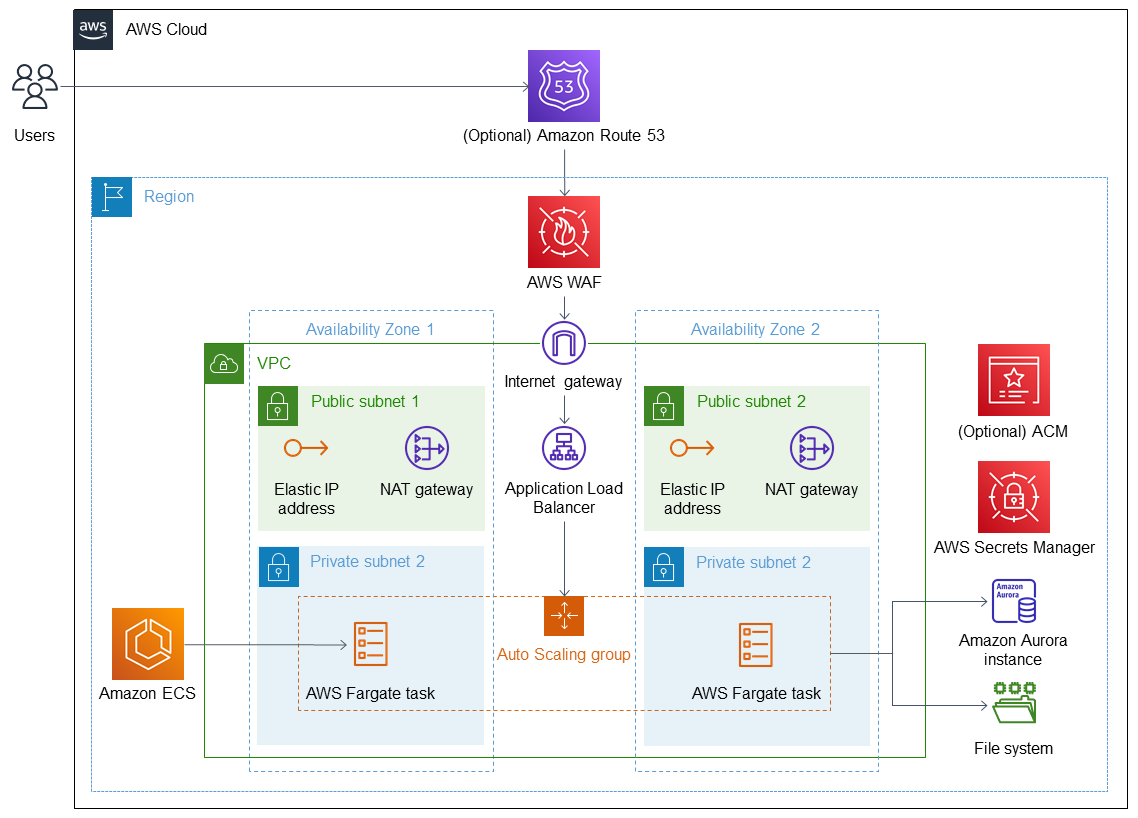
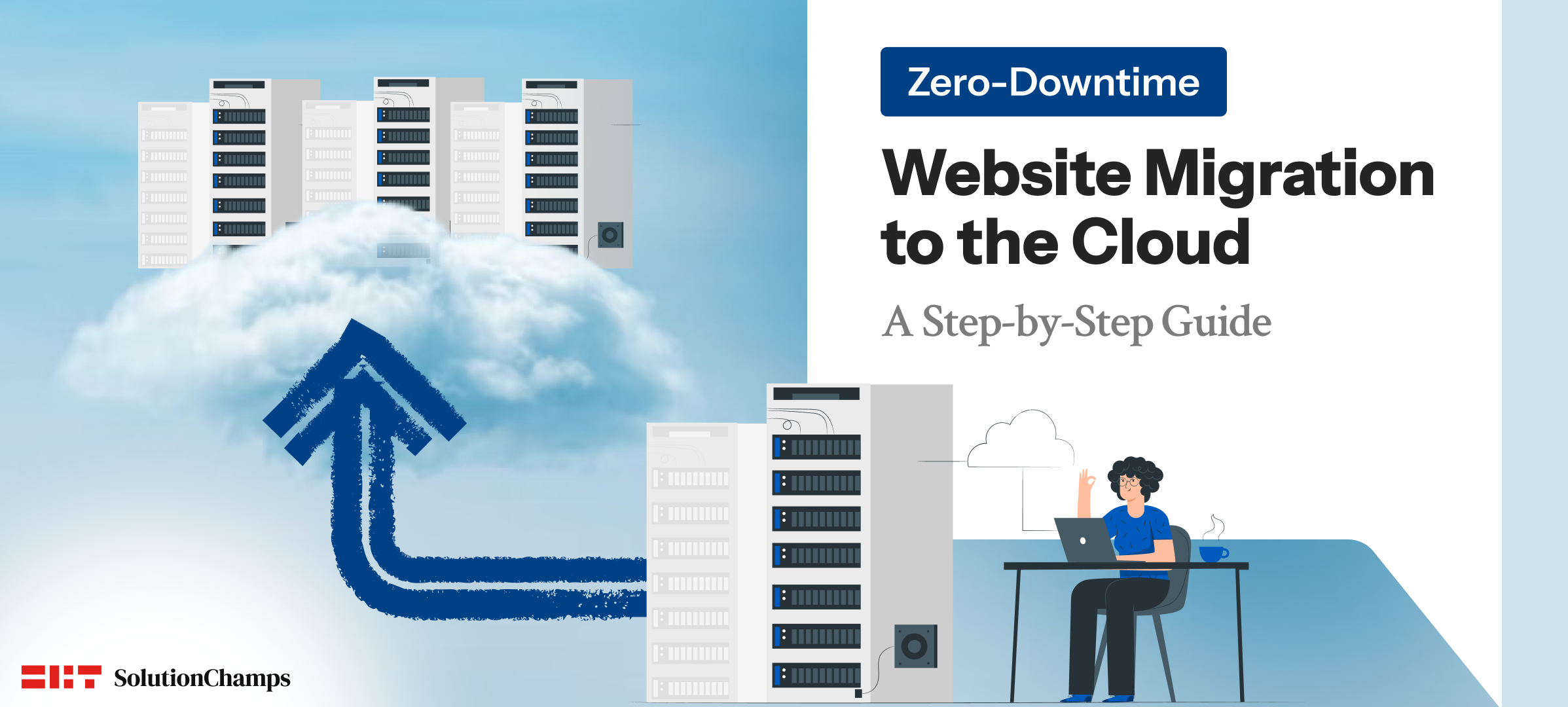
Professional Migration Flow
Old Server → Staging (New Server) → Testing → Final Sync → DNS Switch → Monitoring
This layered approach ensures safety.
Step 1: Pre-Migration WordPress Audit (Advanced)
Technical Audit
- WordPress version
- Active theme & child theme
- Plugin list (active & inactive)
- PHP version
- MySQL/MariaDB version
- Disk usage
- Cron jobs
- Custom scripts
Performance Audit
- Page load time
- Database size
- Media library size
SEO Audit
- Top landing pages
- Index coverage
- Canonical URLs
- Sitemap
- Robots.txt
This audit acts as your migration blueprint.
Step 2: Prepare the New Server (Production-Grade Setup)
Your new server must be fully optimized before migration.
Server Requirements
- Same or higher PHP version
- Required PHP extensions enabled
- Nginx/Apache tuned
- Correct file permissions
- Firewall configured
- SSL ready
WordPress-Specific Settings
- Upload size limits increased
- Memory limit ≥ 256MB
- Execution time increased
- Object cache ready (Redis/Memcached if used)
Never downgrade environments during migration.
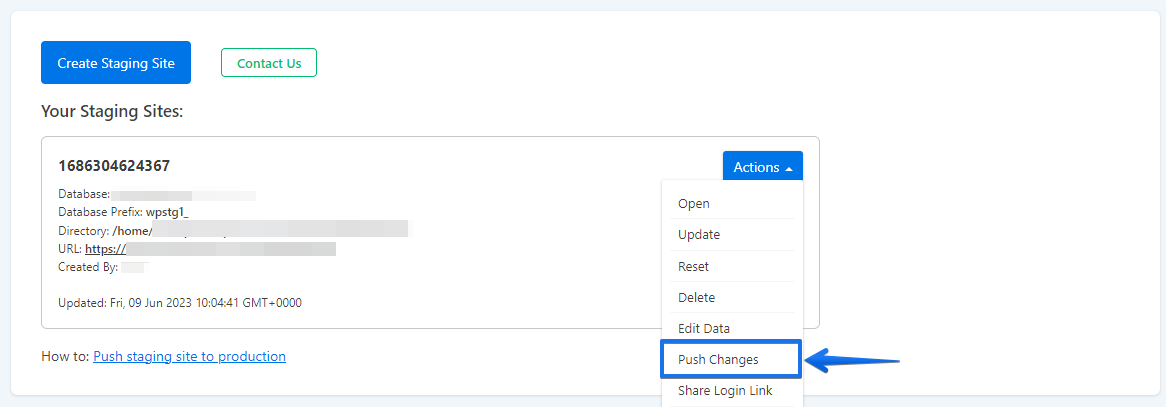
Step 3: Create a Staging WordPress Environment
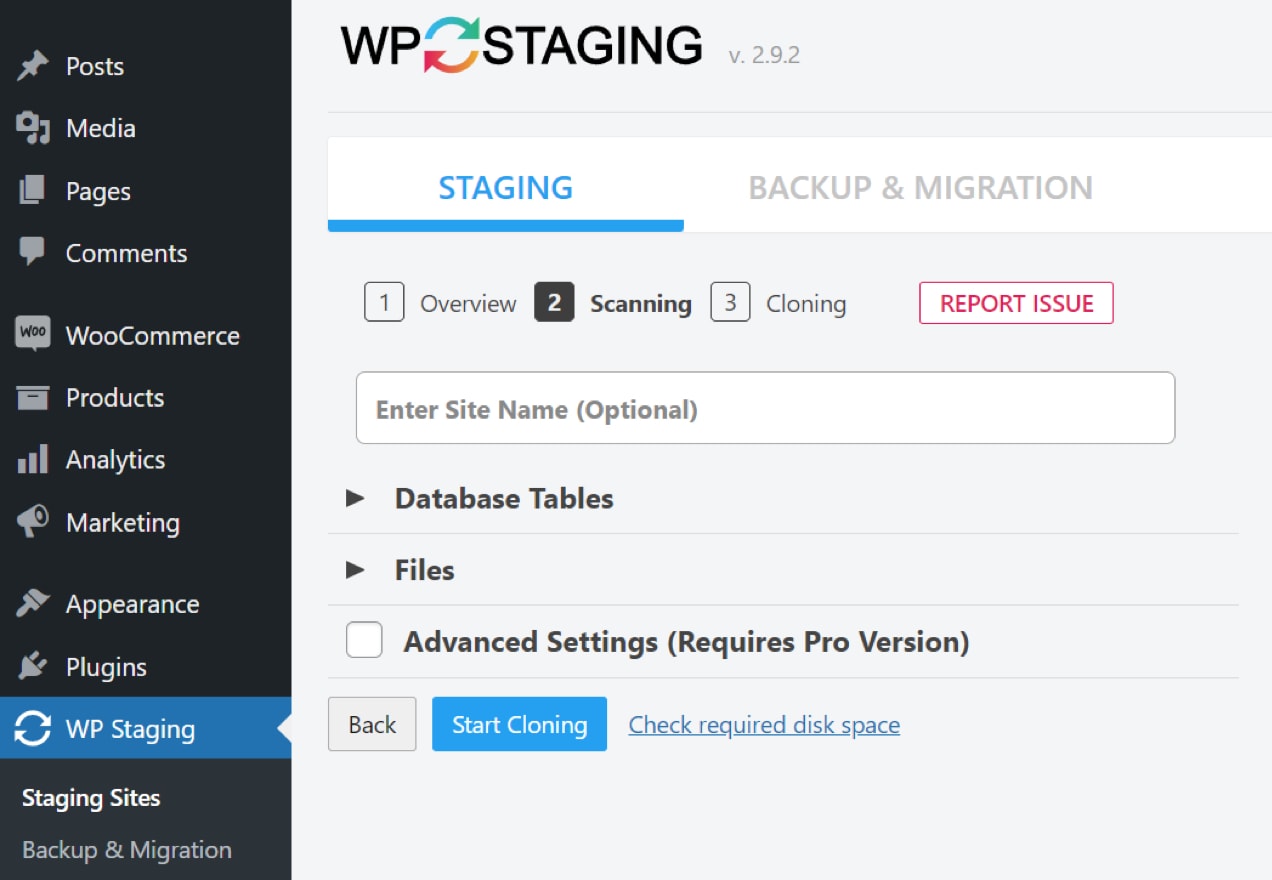
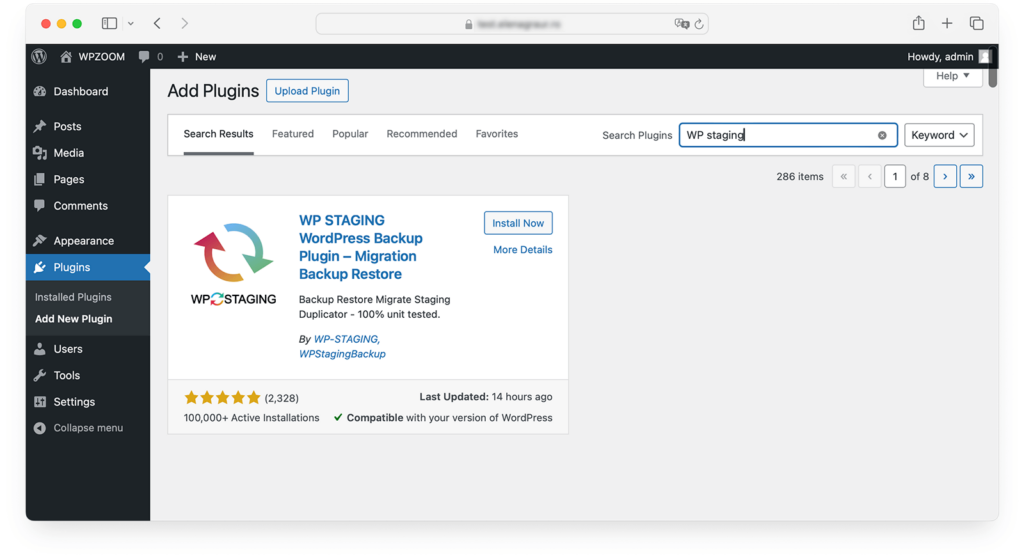
Staging Setup Options
- Temporary subdomain
- IP-based URL
- Hosts file mapping (preferred)
Staging must mirror production as closely as possible.
Step 4: Initial File Migration (Without Touching DNS)
Recommended Methods
- Rsync (best for large sites)
- SCP
- SFTP (small sites)
What to Migrate First
- wp-content directory
- Custom uploads
- Themes
- Plugins
Avoid copying cache directories initially.
Step 5: Database Migration (Phase One)
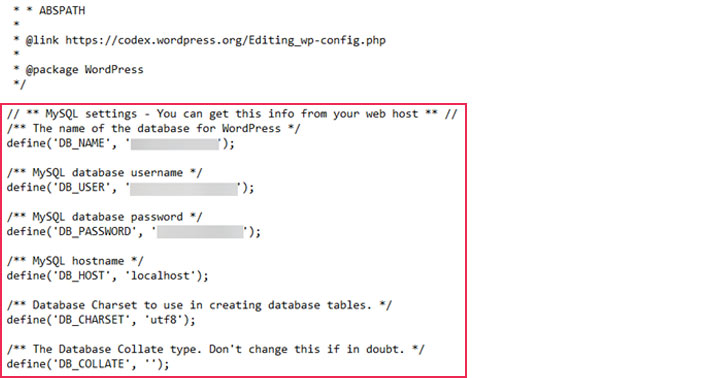
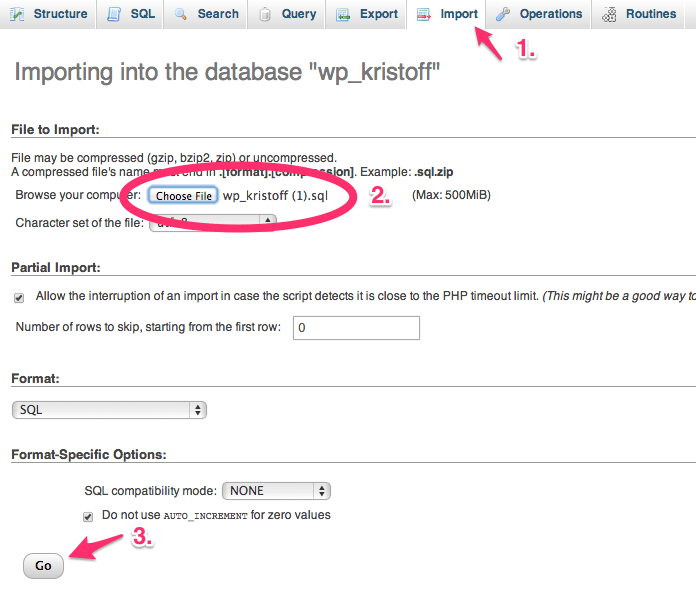
Database Transfer Steps
- Export production database
- Import into staging database
- Update wp-config.php
- Test database connection
At this stage:
- Old site remains live
- New site works independently
Step 6: Fix Paths, URLs & Environment Variables
Key Areas to Verify
- Site URL & Home URL
- Absolute paths
- Serialized data
- Media URLs
Tools for URL Handling
- WP-CLI (recommended)
- Search-replace plugins (advanced mode)
Incorrect URL handling is a silent migration killer.
Step 7: Full Functional Testing on Staging
Before final sync, test everything.
Test Checklist
✔ Homepage & landing pages
✔ Admin dashboard
✔ Login & logout
✔ Forms
✔ Payment gateways (sandbox)
✔ Email notifications
✔ Media loading
✔ Search
Only proceed when staging behaves exactly like production.
Step 8: Database Sync Strategy (Critical Step)
This is where zero downtime is won or lost.
Why Database Sync Is Needed
Between initial migration and DNS switch:
- New posts may be published
- Orders may be placed
- Forms may be submitted
Sync Methods
- WP-CLI export/import
- Incremental backup tools
- Maintenance window sync (few minutes only)
Goal: Capture latest data without stopping the site.
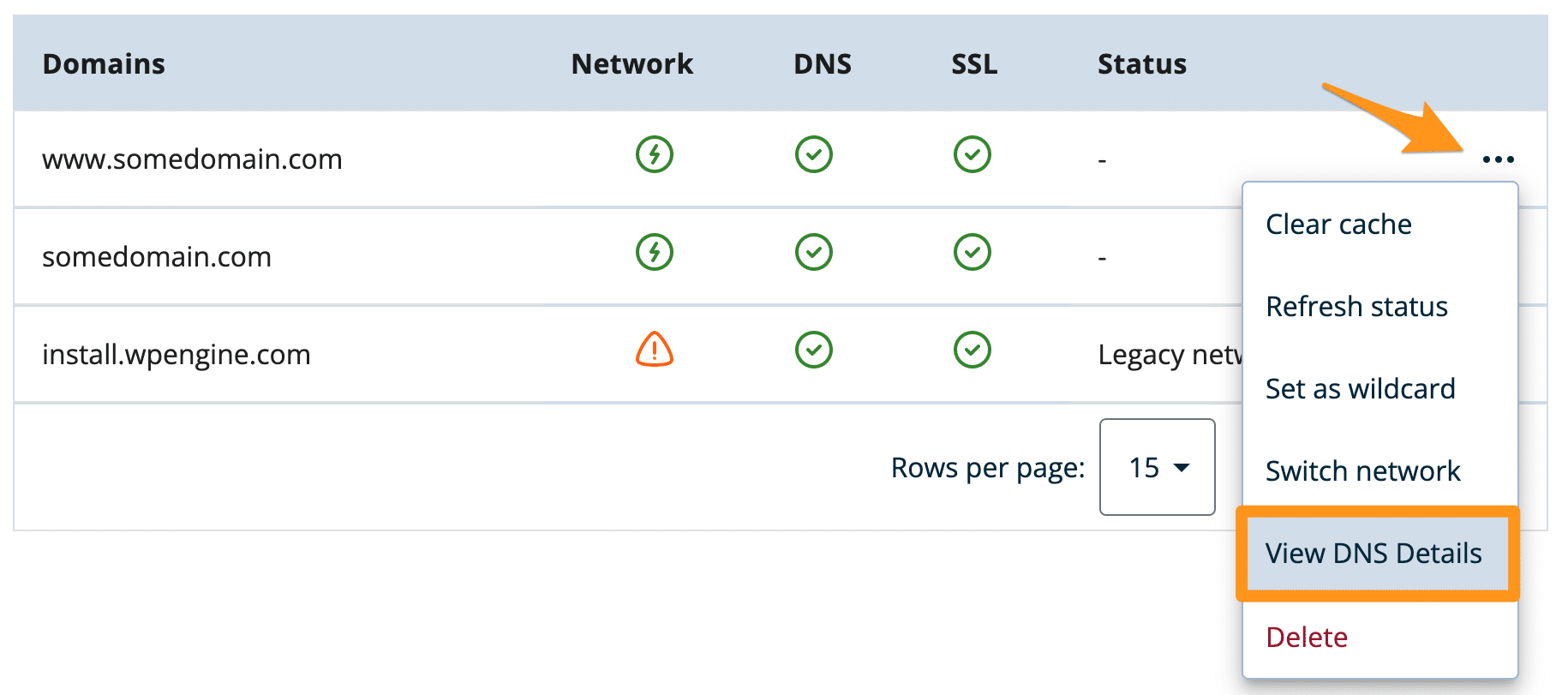
Step 9: DNS TTL Optimization (Advance Preparation)
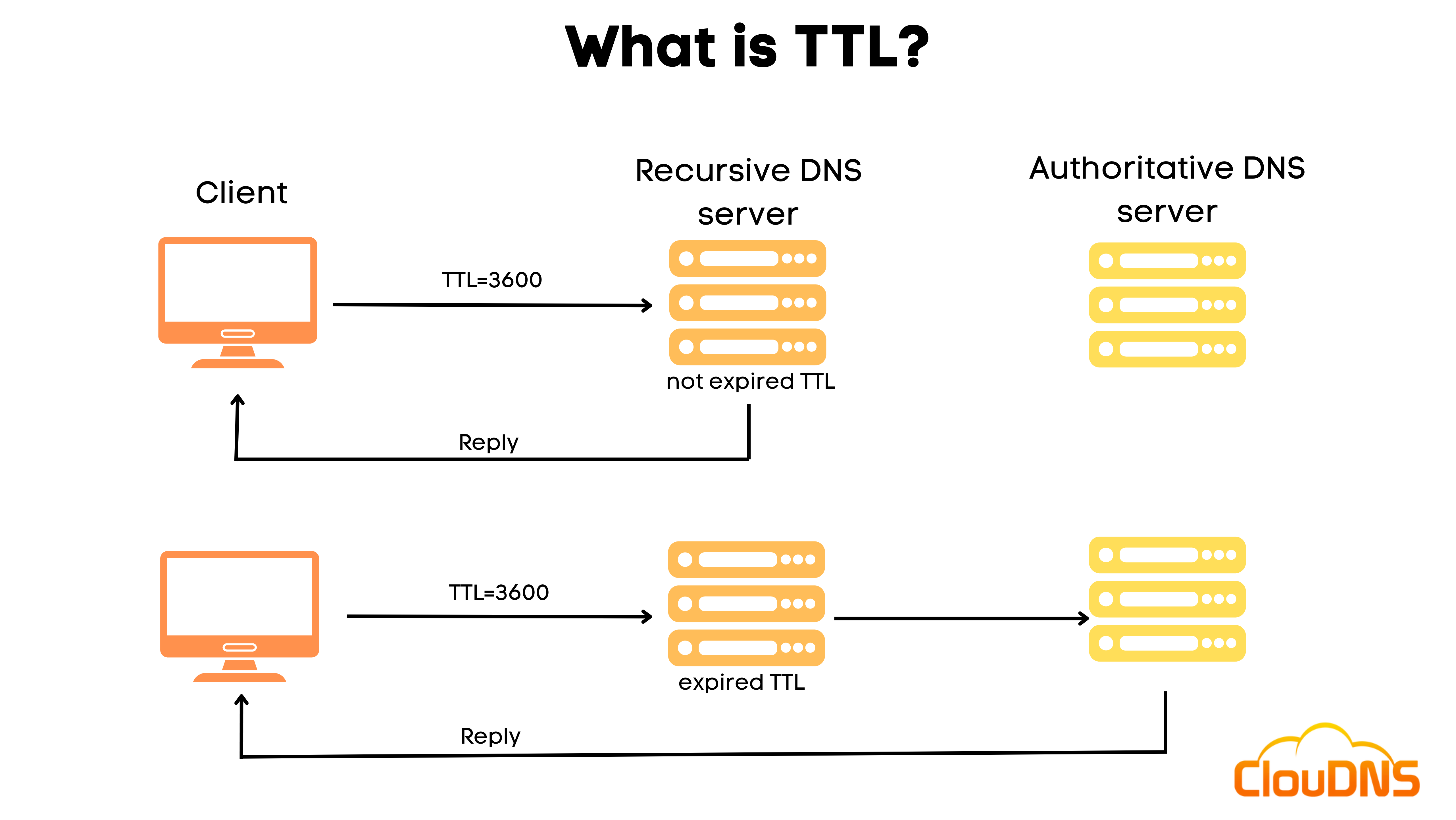
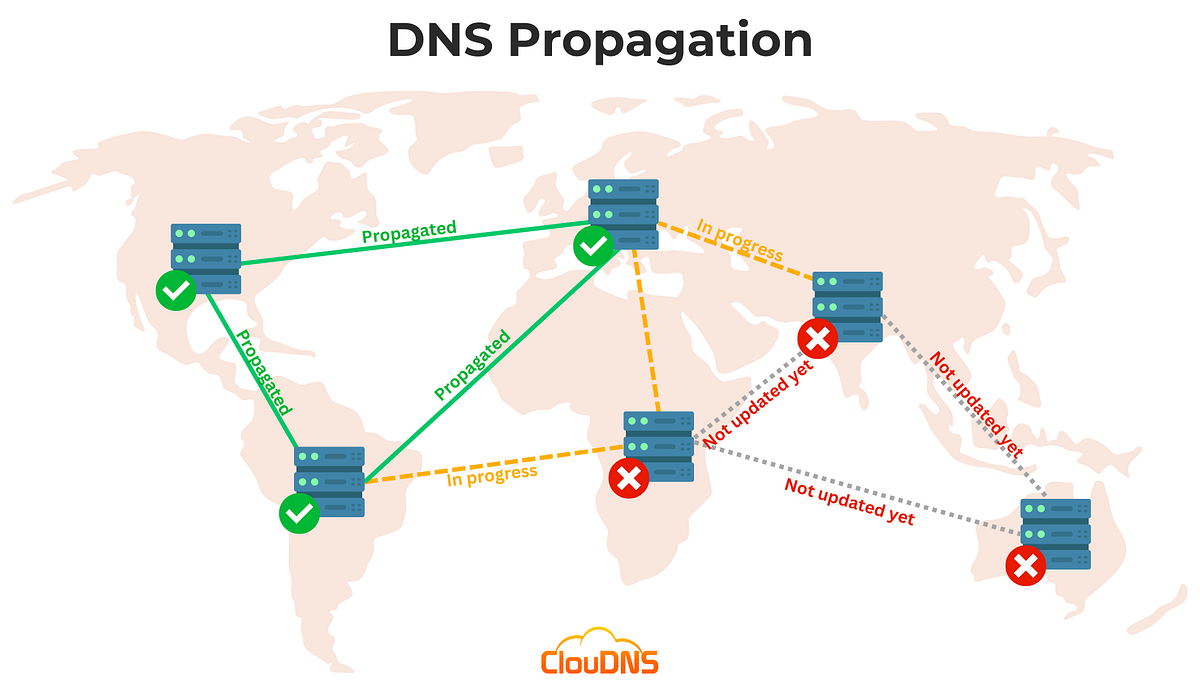
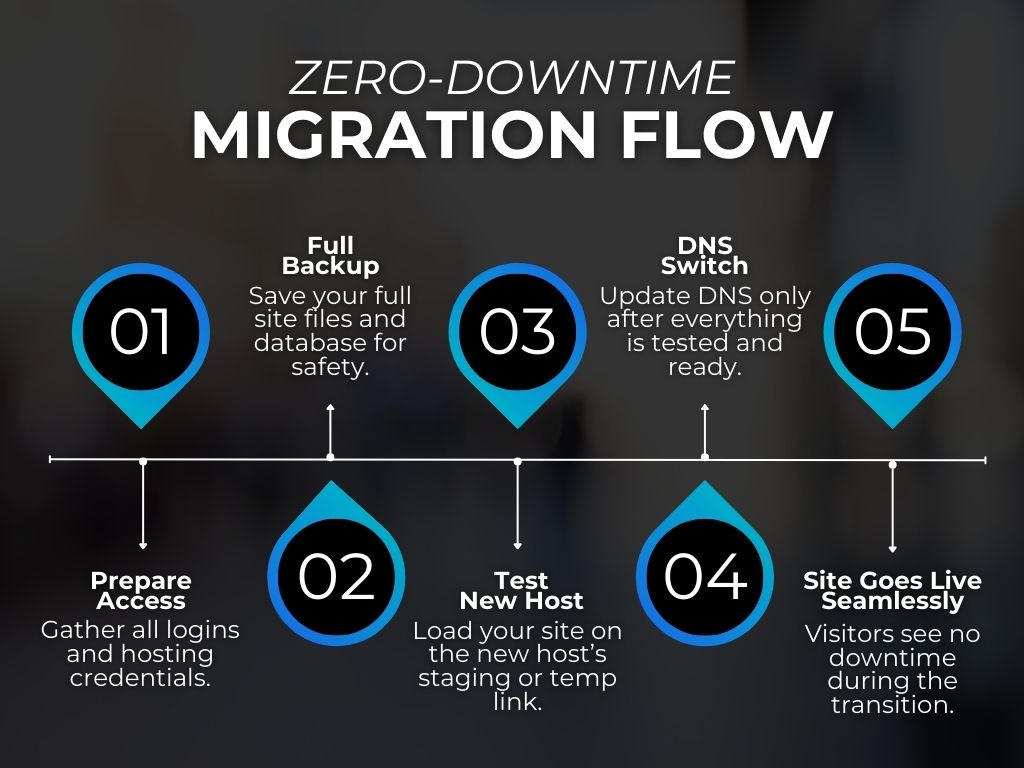
TTL Strategy
- Reduce TTL to 300 seconds (24 hours before)
- Enables fast DNS propagation
- Allows rollback if needed
TTL changes are invisible but powerful.
Step 10: Final Migration Window (Go-Live Execution)
Execution Steps
- Final database sync
- Flush caches
- Enable SSL on new server
- Point DNS to new server
- Monitor traffic
Old server remains active during propagation.
Step 11: Post-DNS Verification (Immediate)
Immediate Checks
✔ Homepage loads
✔ Admin panel accessible
✔ Forms submit
✔ Emails deliver
✔ SSL valid
Log Monitoring
- PHP error logs
- Server logs
- WordPress debug logs
Any issue found now can be fixed before users notice.
Step 12: SEO & Performance Validation
SEO Validation
- Google Search Console access
- Sitemap submission
- Index coverage check
- No sudden crawl errors
Performance Validation
- Page speed
- Server response time
- Cache effectiveness
Migration should ideally improve performance, not degrade it.
Step 13: Decommission Old Server (Safely)
Do NOT shut down immediately.
Safe Decommission Checklist
- 48–72 hours uptime verified
- No traffic hitting old server
- No pending DNS records
- Full backup retained
Only then terminate the old server.
Common Zero-Downtime Migration Mistakes
❌ DNS change without staging
❌ No database resync
❌ Plugin mismatch
❌ PHP version incompatibility
❌ Deleting old server too early
Advanced migration is about discipline, not shortcuts.
When Zero-Downtime Migration Is Mandatory
- E-commerce websites
- Lead-generation businesses
- High-traffic blogs
- SEO-driven businesses
- Membership platforms
If downtime costs money, zero-downtime is not optional.
How DEVEXIS INDIA Executes Zero-Downtime WordPress Migration
At DEVEXIS INDIA, we follow a battle-tested migration framework:
- Full technical & SEO audit
- Production-like staging setup
- Controlled database sync
- TTL-optimized DNS switch
- Real-time monitoring
- Rollback readiness
Our migrations are boring by design—because nothing breaks.
Final Zero-Downtime Migration Checklist
✔ Staging tested
✔ Database synced
✔ TTL reduced
✔ DNS switched safely
✔ SEO preserved
✔ Monitoring active
Conclusion
Zero-downtime WordPress migration is an engineering discipline, not a plugin click. With proper planning, staging, syncing, and monitoring, WordPress sites can be migrated seamlessly—even under heavy traffic.
This advanced guide gives you the exact framework professionals use to migrate WordPress sites without disruption.
📞 Need Zero-Downtime WordPress Migration?
Let DEVEXIS INDIA handle it professionally—secure, SEO-safe, and interruption-free.